



Internet Hunters is not affiliated with any internet provider mentioned in this article. Our information is independent, unbiased and research-based, but prices and availability change, so confirm details with the provider before signing up.
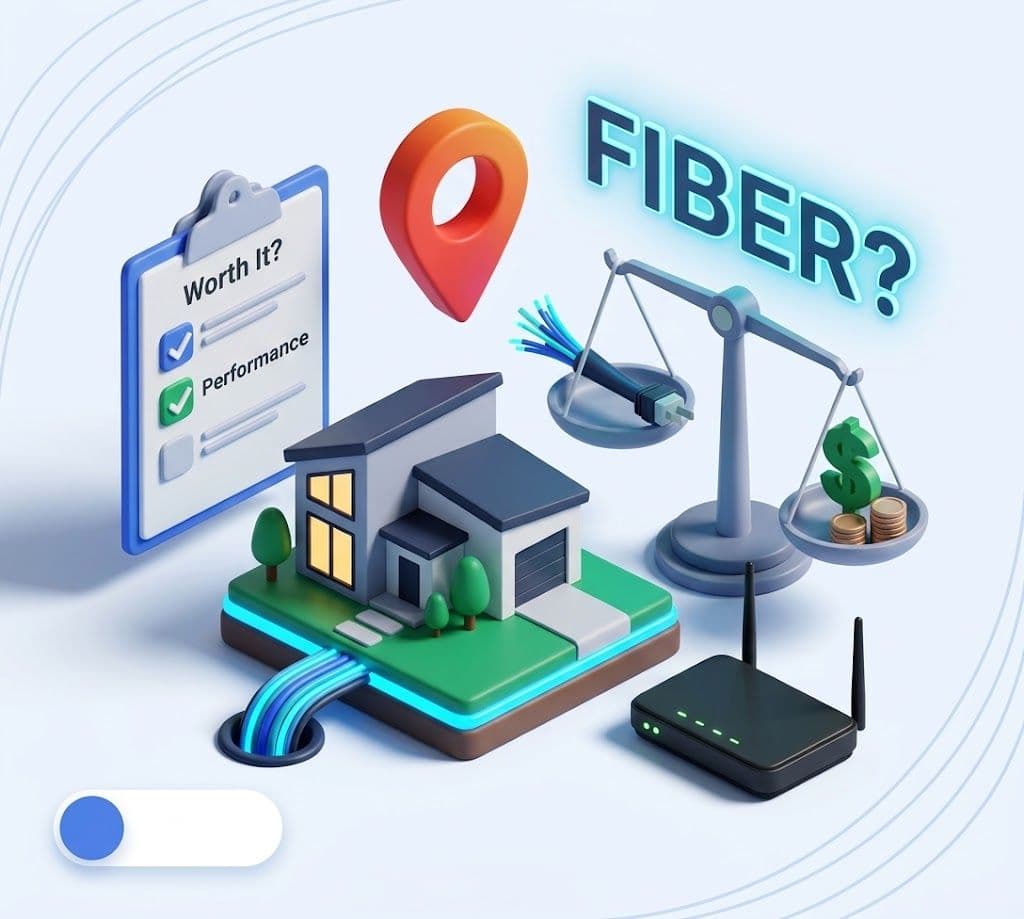
Fiber gets called the best home internet you can buy, and on performance that's usually true. But "best" isn't the question you're really asking. You want to know if it's worth it for your home, your budget and how you use the internet.
This guide answers that honestly. We cover how fiber works, what speeds you'll really get, what it costs, what installation involves, and the marketing traps that make other services sound like fiber when they aren't. You'll finish with a clear yes or no for your situation
The Short Answer
For most households, yes: if fiber reaches your address at a price close to your other options, it's worth taking.
- What you really get: upload speeds that usually match download, the lowest lag of any home connection, and speeds that stay steady in the evening.
- What it usually costs: about the same as cable for similar download speeds, often with simpler pricing.
- When it's not worth it: you only browse and stream, a cheaper plan already covers you, or your lease is too short to justify a technician install.
- The trap to avoid: plans advertised as "fiber-powered" that still reach your home over a cable TV line. More on that below.
How Fiber Internet Works?
Fiber sends data as pulses of light through strands of glass thinner than a hair. Light doesn't pick up electrical interference and loses very little strength over distance, which is why fiber stays fast and steady.
Here's the path from the provider to your devices:
- The provider's network carries traffic over fiber to your neighborhood.
- A fiber line runs to your home. It comes in on a pole or underground, a connection called fiber to the home (FTTH).
- The ONT (optical network terminal) is a small box on your wall that turns light signals into regular internet signals.
- Your router connects to the ONT, usually with an Ethernet cable, and creates your Wi-Fi.
- Your devices connect to the router by Wi-Fi or cable.
Step 2 is the one that matters. Cable internet also uses fiber through most of its network, then switches to a coaxial TV line for the last stretch to your door. Only fiber to the home gives you fiber's full performance.
Go deeper: Types of Internet Connections: Fiber, Cable, 5G, Satellite and More
Real Speeds: What Fiber Actually Delivers?
Fiber's download speeds are fast, but its real advantages are upload speed, low lag and consistency.
Plan tiers. Most fiber providers sell 300 Mbps, 500 Mbps and 1 Gig plans, with multi-gig tiers in some areas. Most people don't buy the top tier: in early 2026, about 22% of fiber and cable subscribers had gigabit service, and about 37% had 500–900 Mbps.
Upload. In the FCC's most recent Measuring Broadband America report, fiber plans averaged 528 Mbps of advertised upload speed, versus 16.6 Mbps for cable and 9.5 Mbps for DSL. The FCC notes fiber is generally symmetric, while other technologies give download 5 to 10 times more capacity than upload. That data was collected in fall 2022, and cable uploads have improved in some upgraded areas since.
Lag. The same report measured idle latency of 8–14 ms on fiber, 13–22 ms on cable and 23–34 ms on DSL. Lower is better for gaming and video calls.
Consistency. Here's the honest part: fiber and cable both usually meet their advertised download speed. About 85% of subscribers on each exceeded it during evening peak hours. Fiber's edge is the floor. It delivered at least 84–103% of advertised speed to 95% of subscribers, versus 73–95% for cable, and it had the lowest packet loss.
Your Wi-Fi sets the ceiling. A multi-gig plan only pays off on wired devices or the newest Wi-Fi gear. AT&T, for example, says the top speed to a single wired device on its 5 GIG plan is 4.7 Gbps. To test what you're really getting, run a speed test on a laptop plugged into the router.
Go deeper: How Much Internet Speed Do You Need? Pick a Plan Without Overpaying
Fiber vs Cable vs 5G Home Internet
Fiber wins on upload, lag and consistency. Cable and 5G can match it on everyday download speed, so the right pick depends on how you use the internet.
| Fiber | Cable | 5G home internet | |
|---|---|---|---|
| Upload speed | Usually matches download | A fraction of download on most plans | Usually tens of Mbps |
| Idle lag (FCC measured) | 7–14 ms | 12–24 ms | Not in FCC's fixed report; varies with signal |
| Evening slowdowns | Rare | Possible in busy neighborhoods | Likely when the tower is busy |
| Installation | Technician visit, sometimes drilling | Often self-install if the home is already wired | Plug-in gateway, no technician |
| Where you'll find it | Over 60% of US households | Most US homes | Where carriers have spare network capacity |
| Best for | Remote work, uploads, gaming, big households | Download-heavy homes without fiber | Renters, quick moves, simple setup |
Customers notice the difference. In the 2026 American Customer Satisfaction Index, fiber providers averaged 76 out of 100, versus 71 for non-fiber providers. Value counts too, though: Verizon 5G Home Internet tied AT&T Fiber for the top score at 79.
Go deeper: Fiber vs Cable Internet: Which One Should You Choose · 5G Home Internet vs Fiber for Apartments and Short Leases
What Fiber Costs?
Fiber usually costs about the same as cable for similar download speeds, sometimes a little more. What you're paying for is the upload, low lag and consistency, not raw download speed.
Pricing is often simpler. AT&T says its fiber plans come with no annual contract and no data caps (source). Verizon advertises a 3-year price lock on its Fios fiber plans and no equipment charges (source). Cable prices, by contrast, often jump when a 12- or 24-month promo ends.
Costs beyond the monthly rate. Before you sign, check:
- One-time installation or setup fees, which some fiber providers still charge
- Whether the advertised price requires autopay, paperless billing or a phone plan with the same company
- What happens to the price when any promo or price lock ends
- Router or Wi-Fi extender fees, if the gateway isn't included
- Taxes and local surcharges, which aren't in the headline price
The fairest comparison is total cost over 24 months, not the first month's price. The FCC broadband label every provider must show at checkout lists the monthly price, introductory rates and fees in one place.
Go deeper: What Home Internet Really Costs: Promo Pricing and the Fees to Check Before You Sign Up · How to Read the Broadband Facts Label (With an Annotated Example)
Fiber Pros and Cons
Fiber's strengths are technical and hard to beat. Its weaknesses are mostly about access and setup.
| Pros | Cons |
|---|---|
| Upload usually matches download, so video calls and big uploads stay smooth | Not every address has it, and coverage can change from one building to the next |
| Lowest lag of any home connection (7–14 ms idle in FCC testing) | New installs usually need a technician and sometimes drilling |
| Steady speeds in the evening, with the lowest packet loss | Can cost around $10 a month more than comparable cable |
| Often no data caps and no annual contract | Multi-gig tiers are wasted without wired devices or the latest Wi-Fi |
| Highest customer satisfaction scores of any wired connection | Like any modern connection, it goes down in a power outage unless your equipment has battery backup |
Fiber Myths and Marketing Traps
The biggest trap is a single word in cable ads: "fiber."
Myth:
"Fiber-powered internet is fiber internet."
Reality:
Not necessarily. Several cable companies describe their service as "fiber-powered" or "powered by fiber" because their networks use fiber most of the way, then connect to your home over coaxial cable.
Advertising regulators have pushed back on how clearly that's explained. The ad industry's National Advertising Division told Cox to disclose clearly that its Cox Internet service doesn't offer fiber to the home. It found Comcast's wording, that Xfinity Internet is powered by fiber and connected by coaxial cable, explained the difference, but asked Comcast to make that disclosure more prominent. Charter agreed in March 2026 to disclose that its fiber-powered Spectrum service isn't delivered over fiber to the home. In August 2026, AT&T sued Charter over the phrase.
The fix is simple. Ask the provider one question: "Is the connection into my home fiber or coaxial cable?"
Myth:
"You need a gig plan to get the benefits of fiber."
Reality:
The upload speed and low lag come with every fiber tier. Most households are well served by 300–500 Mbps.
Myth:
"Fiber always hits its advertised speed and cable doesn't."
Reality:
In FCC testing, about 85% of both fiber and cable subscribers exceeded their advertised download speed at peak hours. Fiber's advantage is upload, lag and a higher floor on bad days.
Myth:
"Fiber is a luxury."
Reality:
It's often priced within a few dollars of cable for similar download speeds, and many fiber plans skip contracts and data caps.
Installation: What to Expect?
Plan for a technician visit of a few hours, booked anywhere from the same day to a couple of weeks after you order.
How long it takes. Wait times vary by provider and area. One fiber provider's roundup found AT&T offers same-day installs in some areas and up to a couple of weeks in others, and that homes not yet wired for Google Fiber can take a week to about ten days. Frontier tells customers to plan on three to four hours for the appointment itself.
What happens on the day. If your home isn't wired yet, a crew runs a line from the street, overhead or buried. The technician then mounts the ONT, drills a small hole to bring the fiber inside, connects your router and tests the speed. You'll need a power outlet near the ONT.
Pick the spot wisely. Ask for the ONT and router in a central, open part of your home if you can. Wi-Fi coverage depends on where the router sits.
Renting? Get your landlord's permission before any drilling. Ask whether the building is already wired for fiber to each unit, which can make install quick. If it isn't, the decision to wire it is the landlord's. Short lease? Many fiber plans have no annual contract, so fiber can still make sense if installation is fast and inexpensive.
Go deeper: How to Choose Home Internet: A Step-by-Step Guide for Your Address
Is Fiber Worth It for You?
Fiber pays off most for people who upload, work from home or game. For light users, it's worth it only when the price is close to the alternatives.
| Your Household | Worth It? | Why | Plan to Start With |
|---|---|---|---|
| Remote worker on daily video calls | Yes | Fast uploads and low lag keep calls clear, even when others are streaming | 300–500 Mbps |
| Content creator or heavy uploader | Yes, strongly | Symmetric speeds turn hour-long uploads into minutes | 500 Mbps–1 Gig |
| Online gamer | Yes | The lowest lag of any home connection | 300–500 Mbps |
| Family of four or more, lots of streaming | Usually | Handles many devices at once without evening slowdowns | 500 Mbps |
| One or two people, browsing and streaming | Only if the price is close | Cable or 5G home internet will feel the same for this use | Cheapest fiber tier |
| Renter on a short lease | It depends | Worth it if the unit is already wired and there's no contract; otherwise 5G may be simpler | Cheapest fiber tier |
| Budget comes first | Compare first | Check the 24-month cost of fiber against cable promos and 5G | Cheapest fiber tier |
Our rule of thumb: if fiber costs within about $10 a month of your next-best option over 24 months, take the fiber. If the gap is bigger and you don't upload or game much, the cheaper plan is a reasonable choice.
How to Check Whether Fiber Reaches Your Address?
Fiber now passes more than 60% of US households, but availability is decided address by address. Here's how to check yours:
- Search your exact address on the FCC National Broadband Map. It lists providers and technologies reported for your location.
- Confirm on each fiber provider's own site, using your full address and unit number.
- Ask the provider directly whether the connection into your home is fiber or coaxial cable.
- Look for an ONT. In an apartment or house you're touring, a small box on the wall with a thin cable often means fiber has already been installed.
- Ask your landlord or building manager which providers are wired into the building.
- If fiber is "coming soon," register your interest with the provider. Build schedules can shift, so don't count on a date.
The verdict
Fiber is the best home internet connection you can buy, and if you can get it at a fair price, it's worth it. You're not really paying for a bigger download number. You're paying for uploads that keep up, video calls that don't freeze, and speeds that hold at 9 p.m. when everyone's online.
But the best connection isn't automatically the best deal. If fiber costs a lot more than a solid cable or 5G plan and you mostly stream and scroll, keep the money. And never let the word "fiber" in an ad make the decision for you.
Your next step
- Check your exact address on the FCC map and on fiber providers' sites.
- Ask one question: is the line into my home fiber or coaxial cable?
- Compare the 24-month cost of each option using its broadband label, not the first month's price.
- Start with 300–500 Mbps. Upgrade later if you actually need more.
Do those four things and you'll know exactly what you're getting before you connect.
Keep reading: Fiber vs Cable Internet: Which One Should You Choose · 5G Home Internet vs Fiber for Apartments and Short Leases · How Much Internet Speed Do You Need?
Frequently Asked Questions
Is fiber better than cable?
On performance, yes: faster uploads, lower lag and more consistent speeds. On everyday download speed, good cable plans often keep up. The deciding factors are usually price and how much you upload.
Is 300 Mbps fiber enough?
For most households, yes. It covers 4K streaming on several screens, video calls and gaming, and uploads at the same 300 Mbps on most fiber plans.
Does fiber internet have data caps?
Many major fiber plans don't, including AT&T Fiber. Check the broadband label for your plan to be sure.
Does fiber work during a power outage?
Not on its own. Your ONT and router need electricity. A small battery backup (UPS) can keep you online through short outages.
Can I get fiber in an apartment?
Only if the building is wired for it or the landlord agrees to an install. Ask before you sign the lease, and look for an ONT in the unit.
Is "fiber-powered" internet the same as fiber?
Usually not. That phrase often describes a cable network that uses fiber most of the way and coaxial cable into your home. Ask the provider which type of line reaches your door.
How long does fiber installation take?
The appointment usually takes a few hours. Getting one can take anywhere from the same day to a couple of weeks, longer if your street needs new construction.


